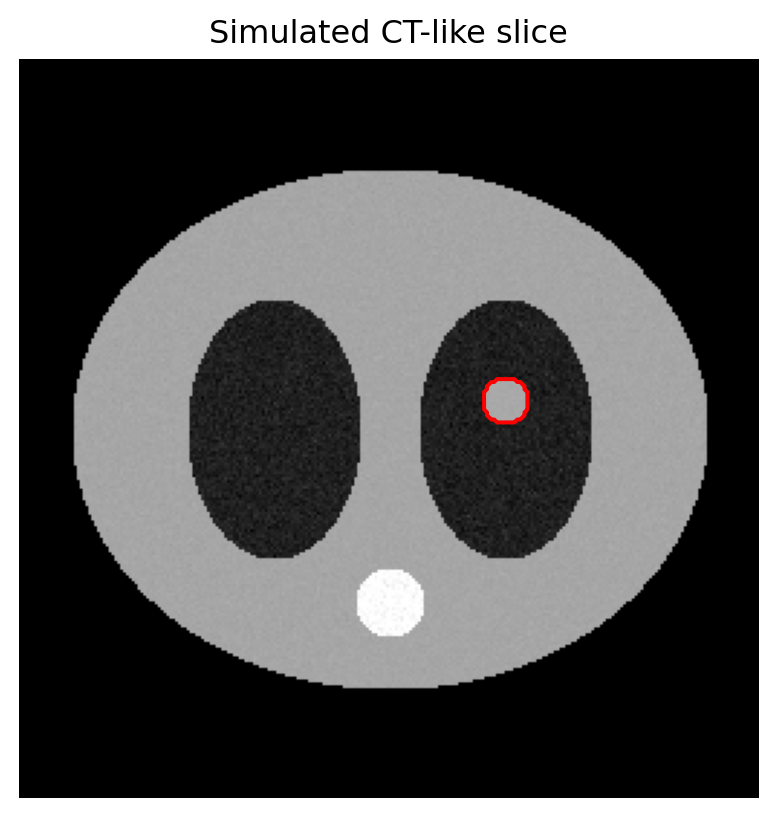
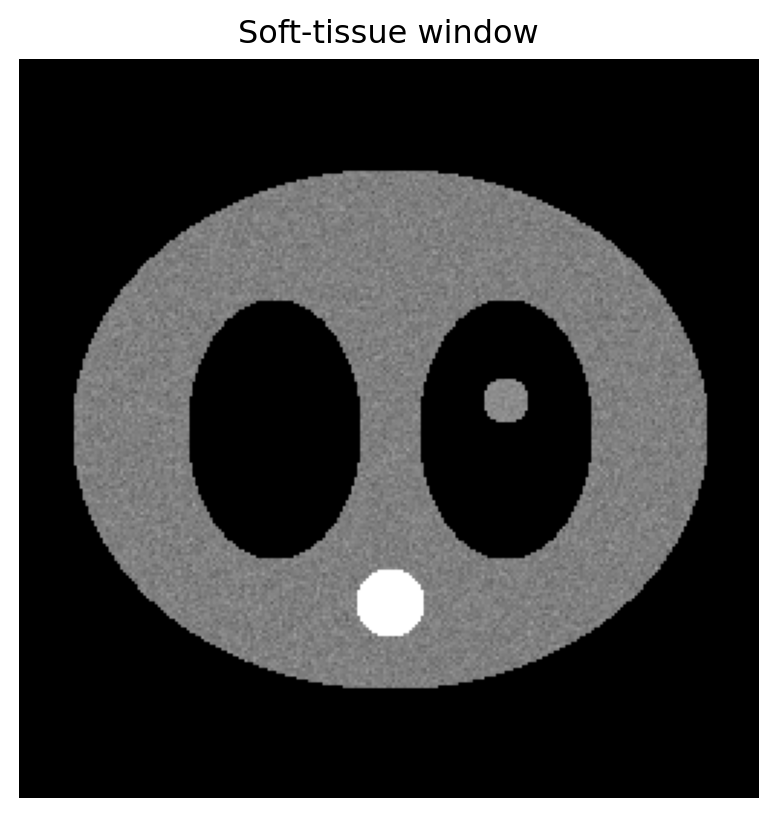
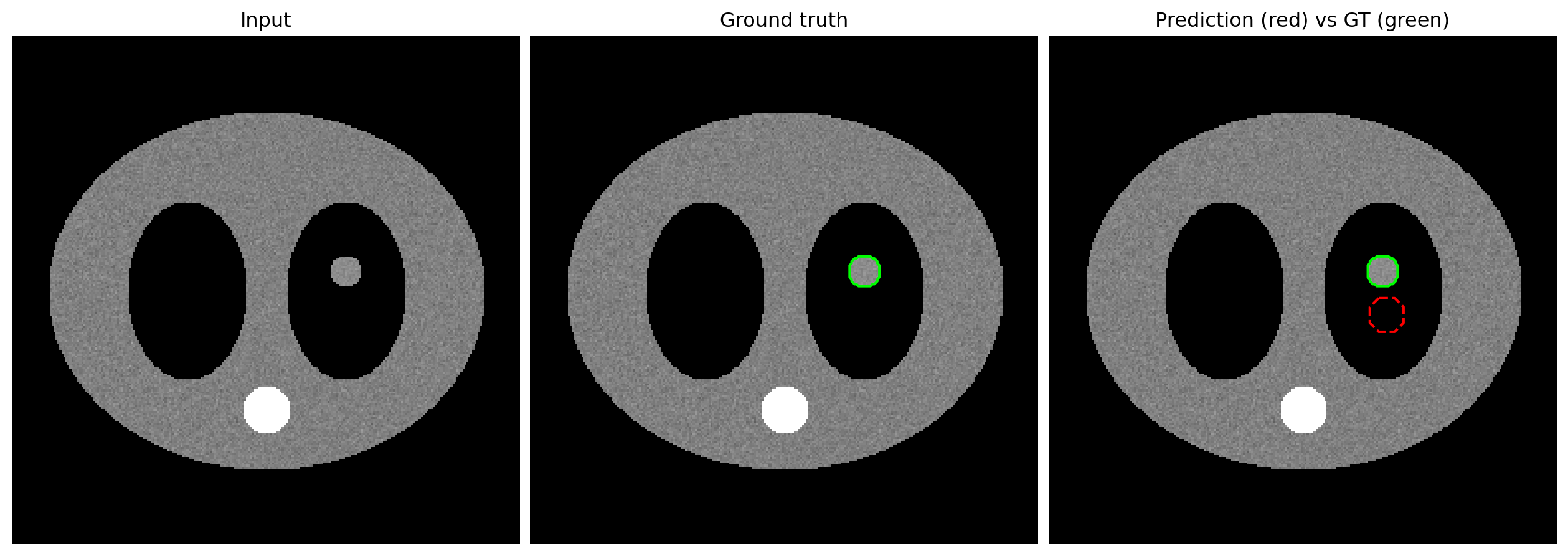
This module synthesizes earlier modules into the plotting patterns that radiology figures need: imshow(), contours, colormaps, alpha overlays, and multi-panel layouts.
The examples use 2D NumPy arrays rather than real DICOM files. Once a CT or MR slice is loaded with tools such as pydicom or SimpleITK, matplotlib sees the pixel data as a 2D array anyway.
┌───────────────────────────────────────────────────────────┐
│ In radiology figures, three layer types are stacked:      │
│                                                           │
│ 1. BASE IMAGE  — anatomy, usually grayscale CT/MR         │
│ 2. OVERLAY     — heatmap, mask, segmentation              │
│ 3. ANNOTATION  — ROI contour, arrow, label, scalebar      │
│                                                           │
│ Every figure is a recipe for combining these layers.      │
└───────────────────────────────────────────────────────────┘
Each ax.imshow() or ax.contour() call adds another layer on top of what is already drawn. Order matters.
9.1 1. Abstracting away DICOM: what a slice is
A DICOM CT/MR slice, once loaded, is a 2D NumPy array plus metadata such as pixel spacing, orientation, and windowing information. For matplotlib, the slice itself is just an array of shape (H, W).
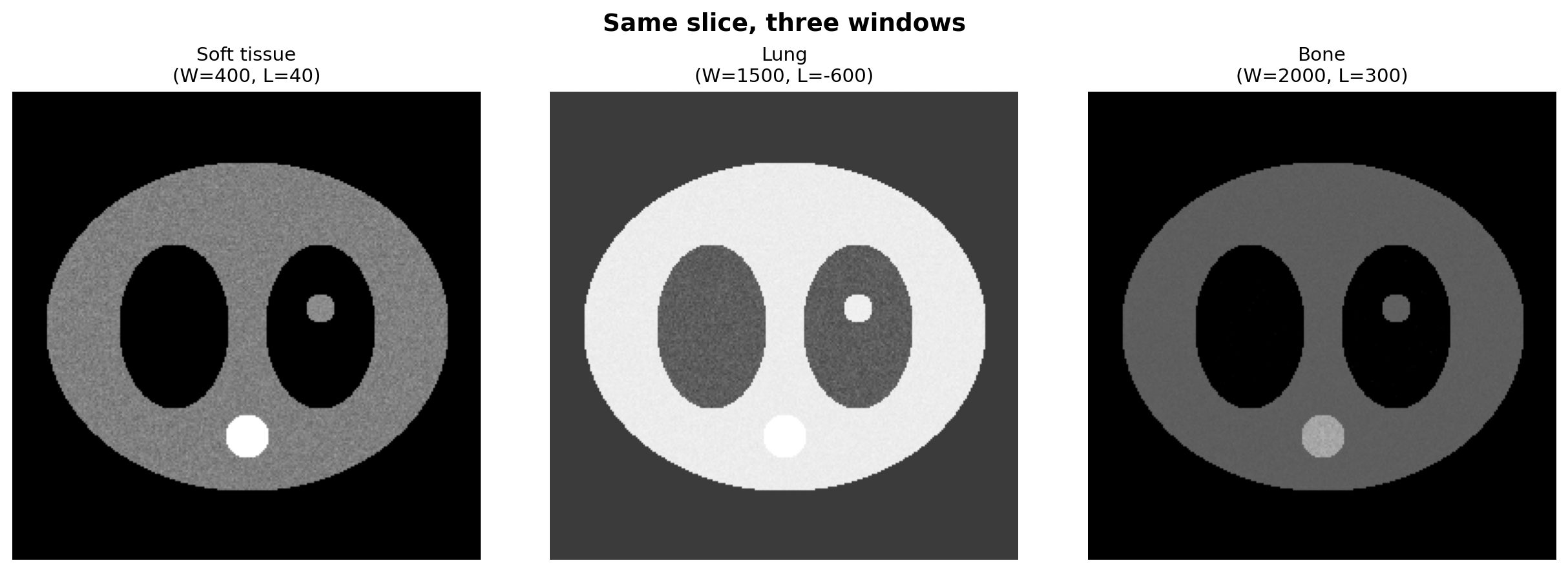
This is the medical imaging equivalent of a faceted comparison plot. The key is that the pixel data are the same while the displayed value range changes.
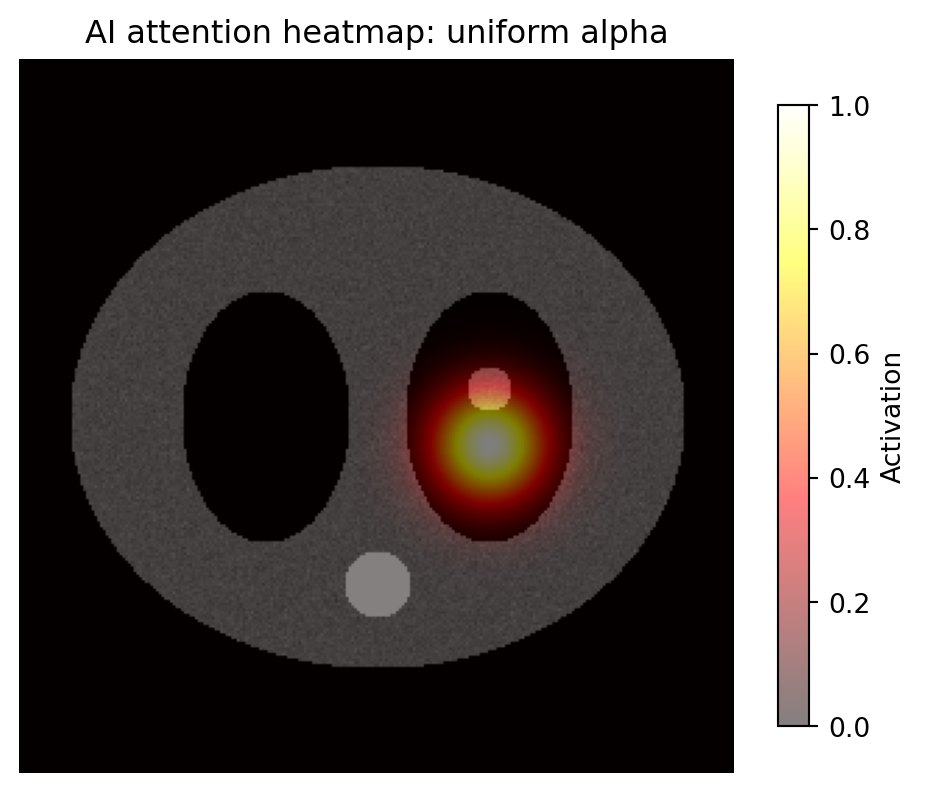
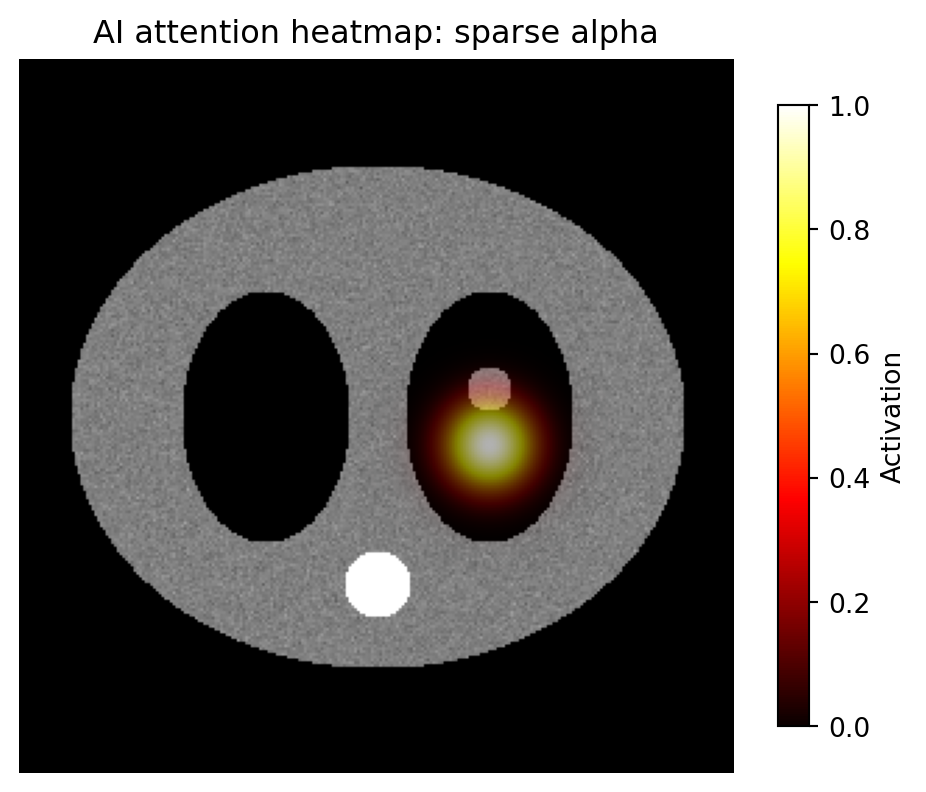
9.4 4. Pattern 3: heatmap overlay
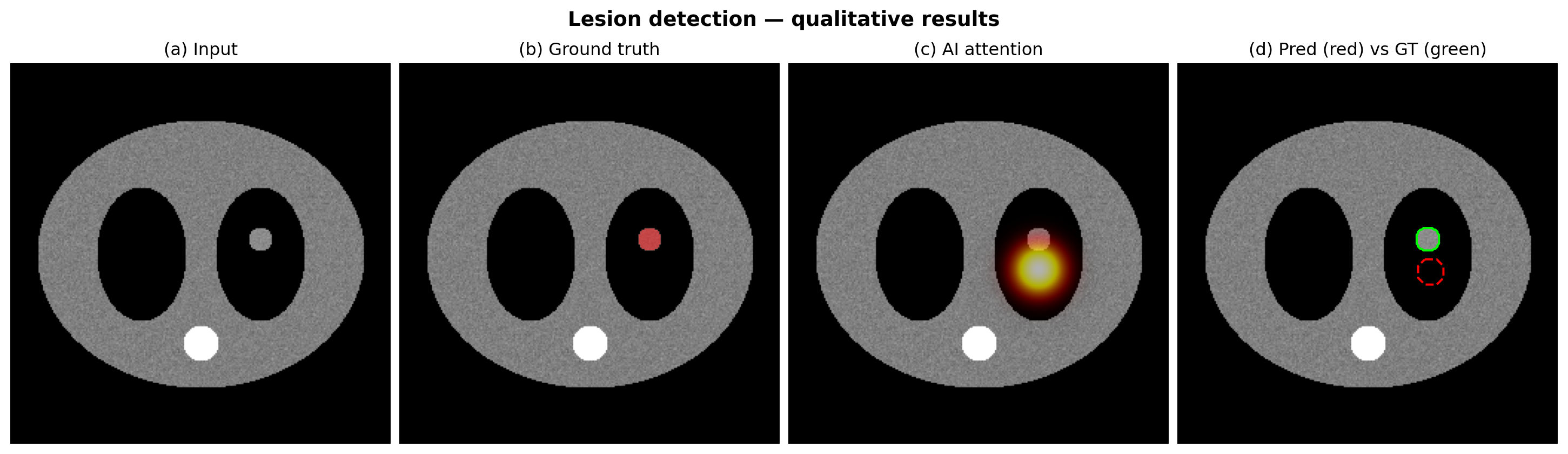
For AI work, a common task is showing where the model is looking. The recipe:
draw the grayscale anatomy first
draw the heatmap on top with alpha
add a colorbar for the heatmap, not the grayscale image
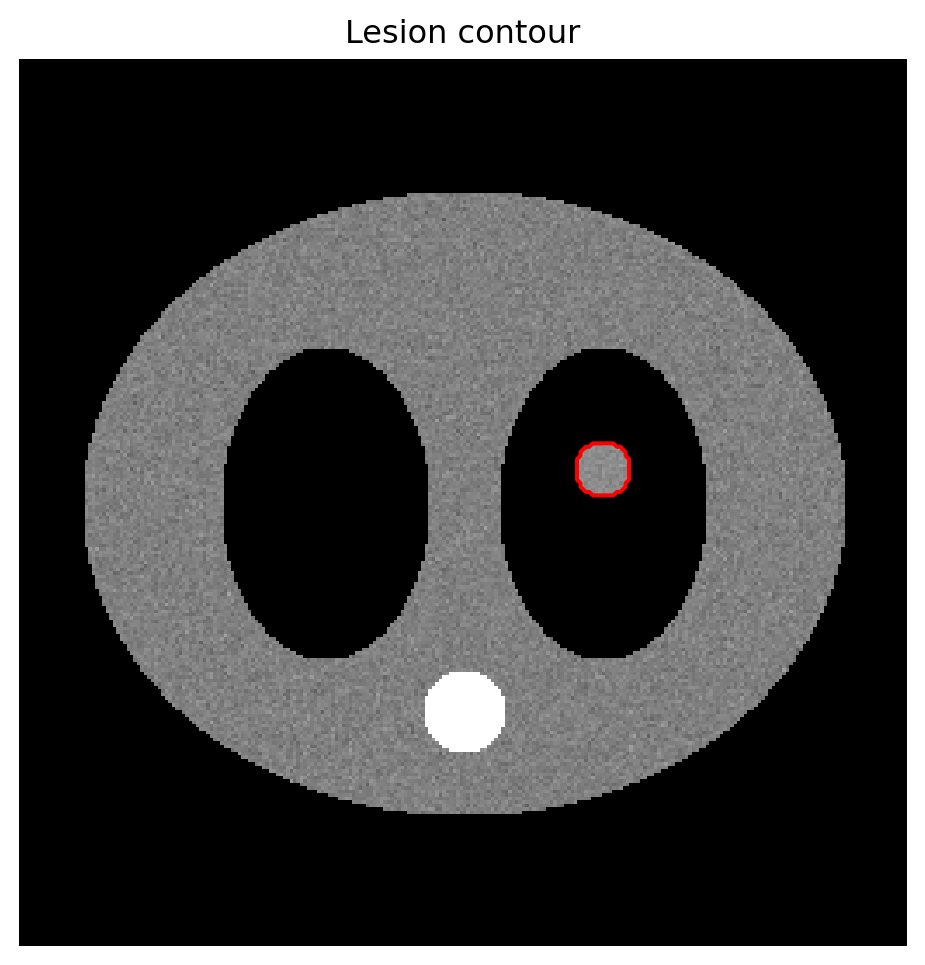
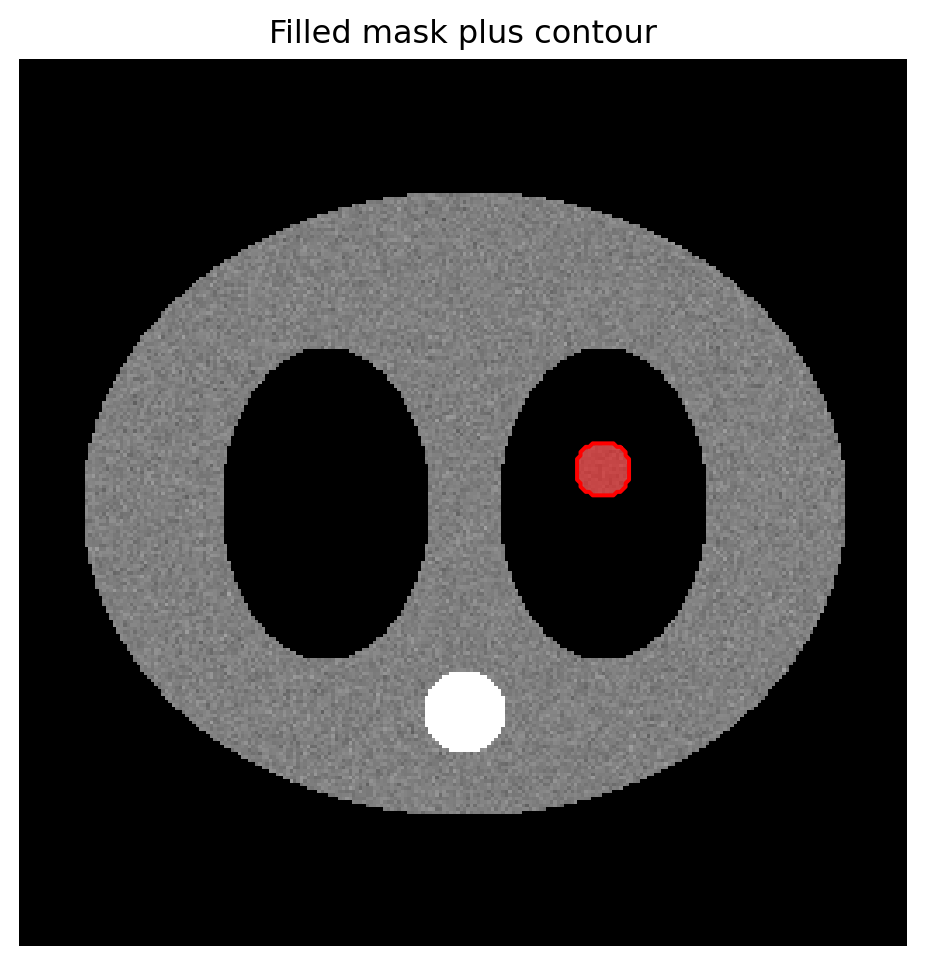
levels=[0.5] finds the boundary where the mask transitions from 0 to 1.
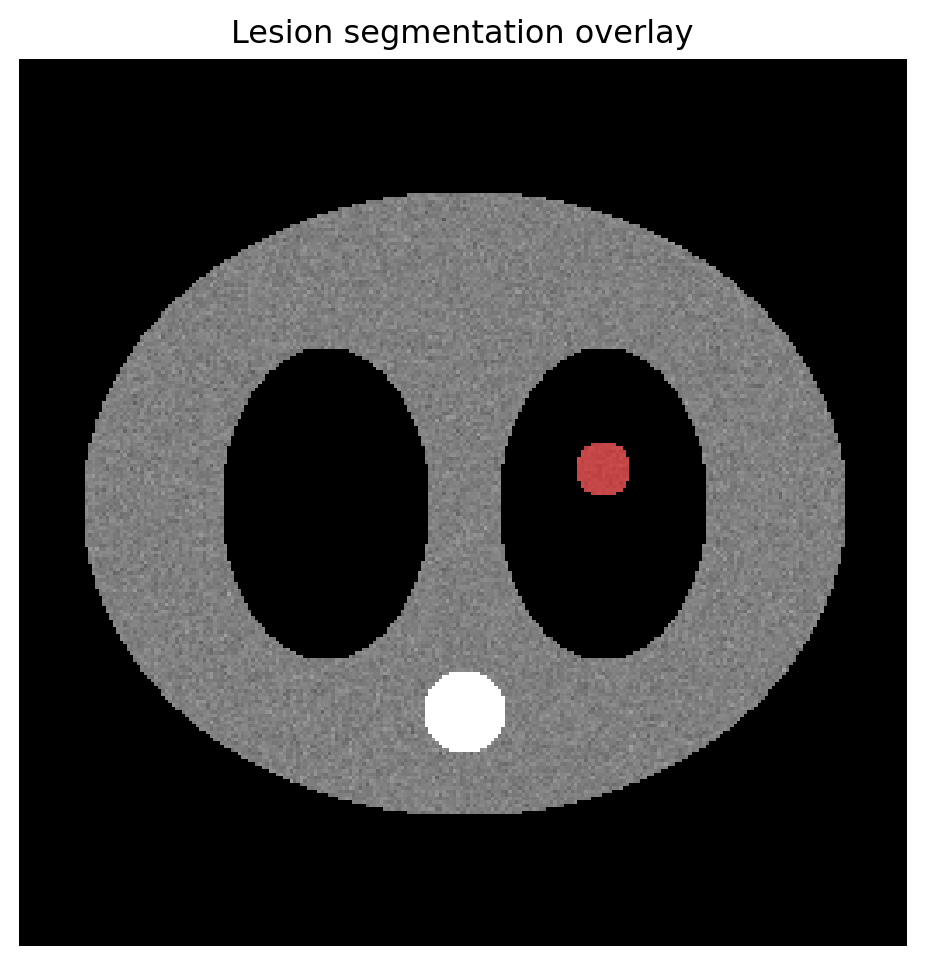
Filled overlay  → emphasize area or probability/density
Contour outline → preserve anatomy and show exact boundary
Both together   → common for agreement or multi-rater figures
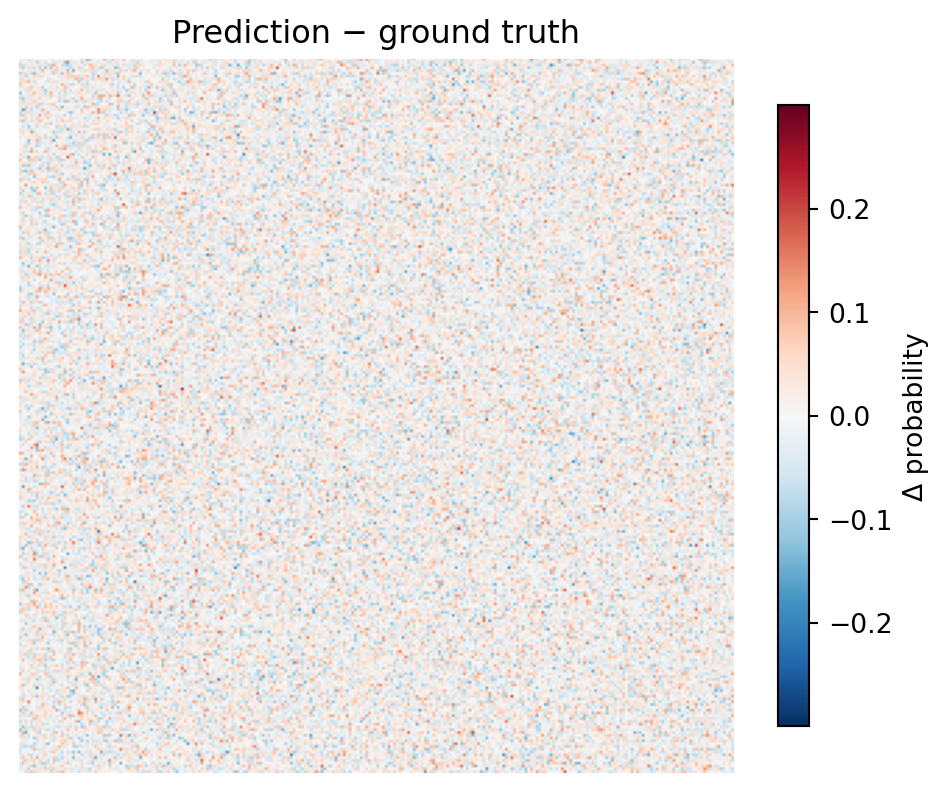
TwoSlopeNorm(vcenter=0) ensures zero lands at the neutral midpoint of the colormap. Without it, zero can be shifted away from white and visually imply a difference where none exists.
9.9 9. Pattern 8: adding a scalebar
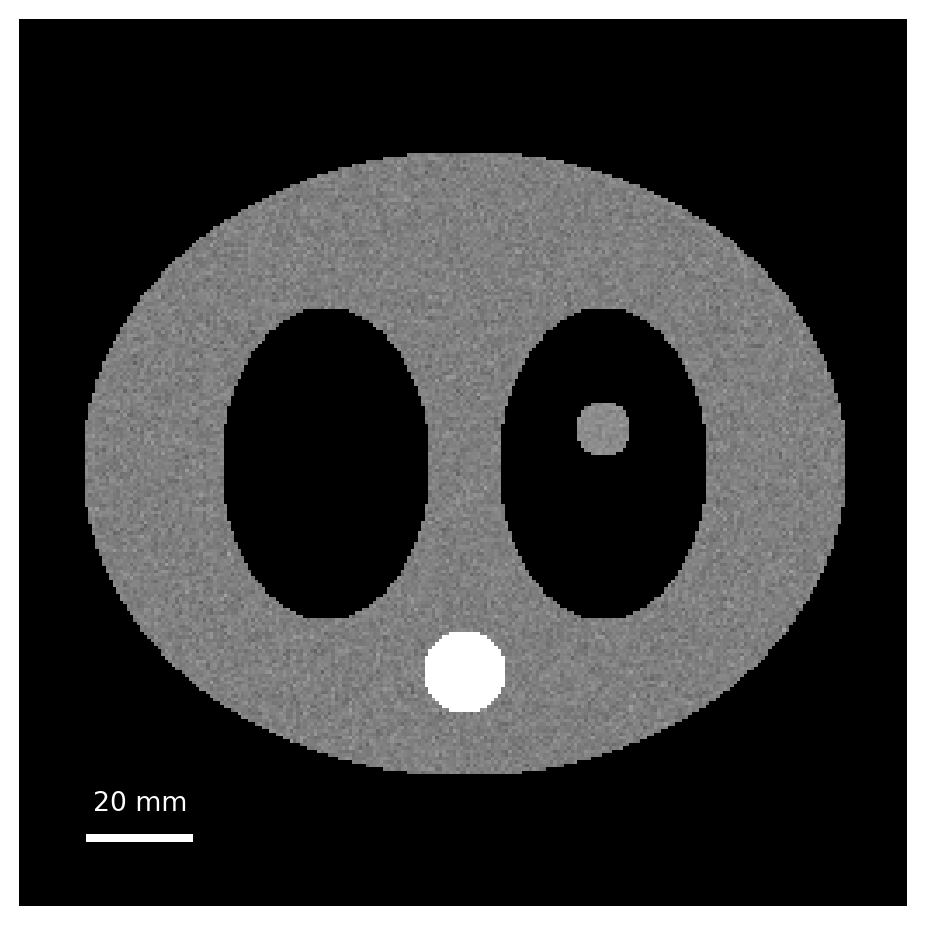
Radiology figures need physical scale. Pixel coordinates are not enough; millimeters matter.
For polished scalebars with units and anchored placement, matplotlib-scalebar is worth installing, but a manual scalebar is often enough for controlled figures.
9.10 10. Pattern 9: intensity profile beside the image
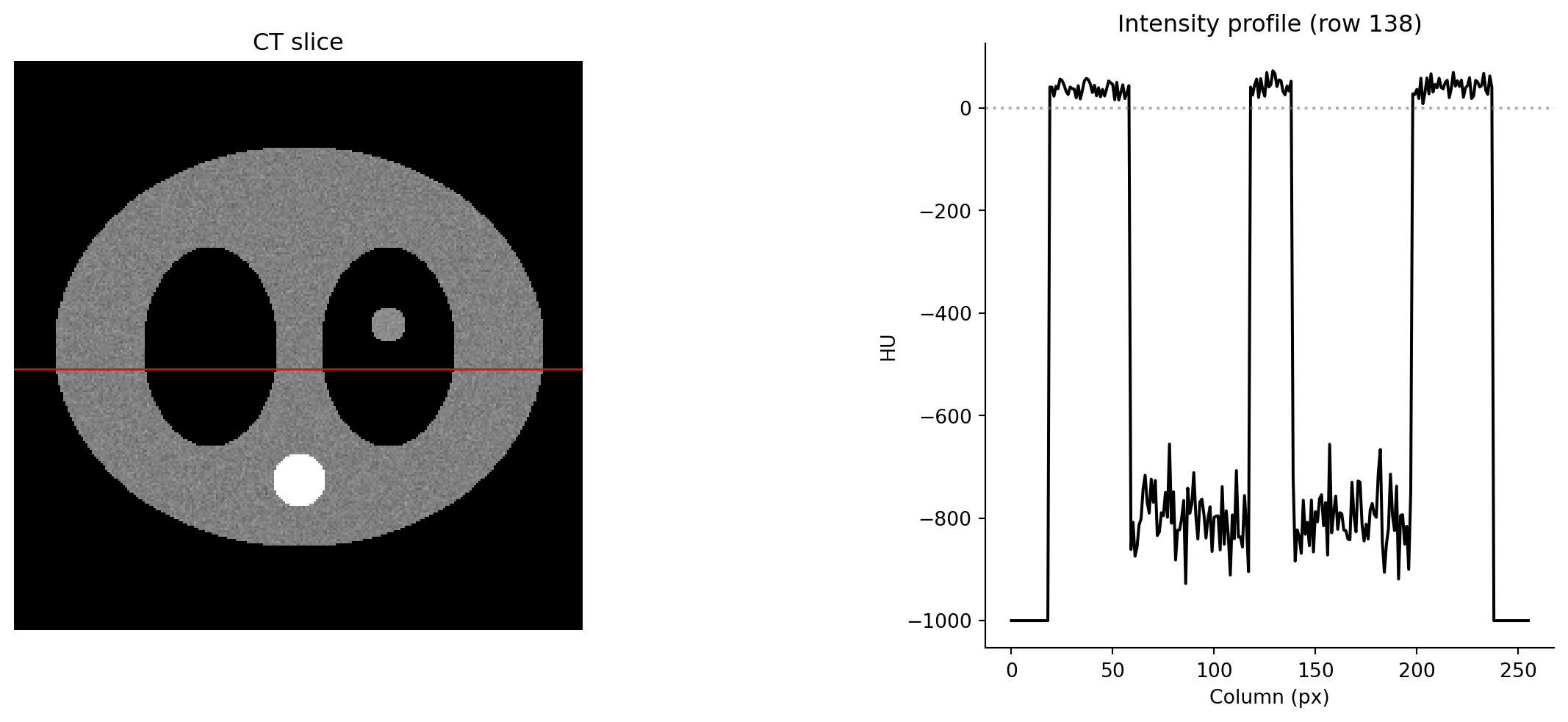
The image plus line-profile figure is a clinical staple. Use a mosaic layout.
This is the basic shape of many radiology AI qualitative result figures: input, ground truth, heatmap, and prediction comparison.
9.12 Summary cheat sheet
Need
Tool
Display anatomy
imshow(..., cmap="gray", vmin=, vmax=)
Hide axes
ax.axis("off")
Heatmap overlay, uniform alpha
imshow(..., cmap="hot", alpha=0.5)
Heatmap overlay, sparse alpha
imshow(..., alpha=clipped_array)
Mask overlay with transparent background
ListedColormap with (0,0,0,0) for label 0
ROI outline
ax.contour(mask, levels=[0.5])
Difference image
cmap="RdBu_r" + TwoSlopeNorm(vcenter=0)
Reference line on image
ax.axhline() / ax.axvline()
Multi-window panel
subplots(1, n) loop over (vmin, vmax)
Image plus side panel
subplot_mosaic("II.P / II.P")
Physical scale
manual scalebar or matplotlib-scalebar
9.13 Exercises
9.13.1 Exercise 1: windowing
Generate img, lesion_mask = fake_ct_slice(). Build a 1×4 figure showing the same slice in lung, soft-tissue, bone, and brain windows. Title each panel with the window name and (W, L) values. Use layout="constrained".
9.13.2 Exercise 2: sparse-alpha heatmap
Generate the Gaussian heatmap from section 4. Make a 1×2 figure: left panel uses uniform alpha=0.5; right panel uses an alpha array equal to the heatmap itself. Compare how anatomy is preserved in low-activation regions.
9.13.3 Exercise 3: multi-class mask
Build a fake 3-class label map: background 0, lesion core 1 as an inner circle, and lesion edema 2 as a ring around it. Display it overlaid on the CT slice using ListedColormap with transparent background, semi-transparent red for label 1, and semi-transparent yellow for label 2. Add a manual legend.
9.13.4 Exercise 4: GT vs prediction
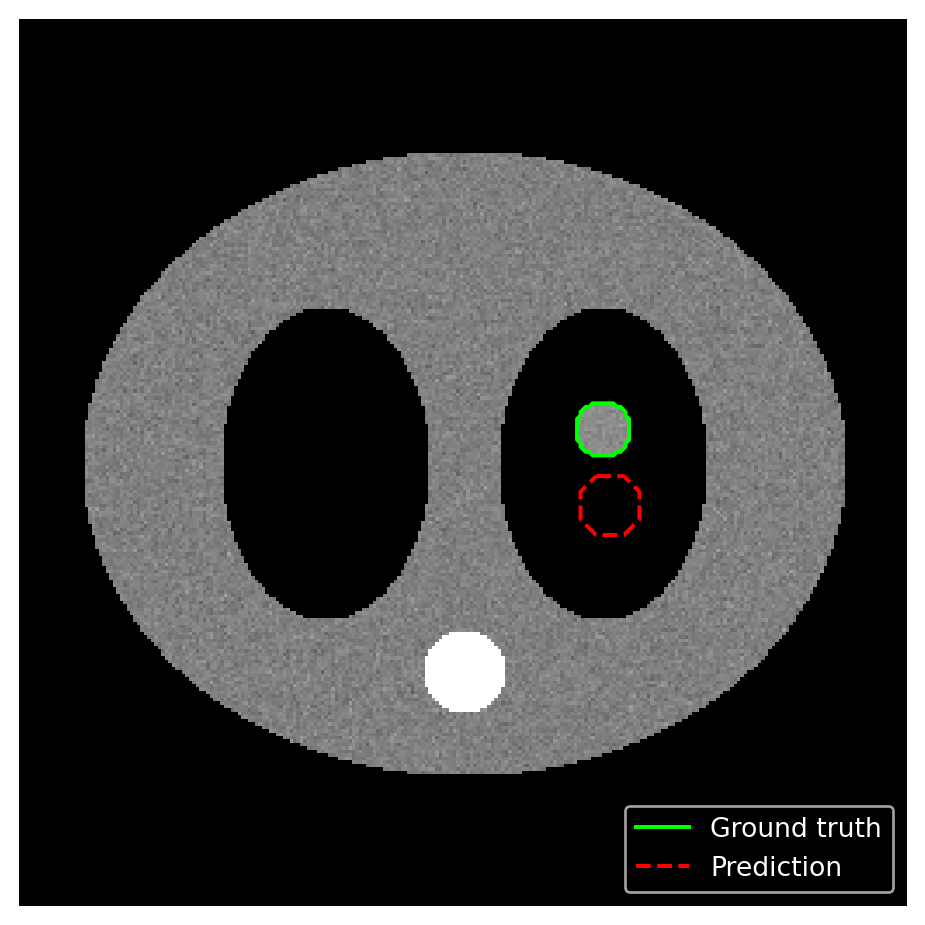
Using lesion_mask as ground truth and a hand-crafted pred_mask, make a single panel showing both as contours: GT in green solid, prediction in red dashed. Add a proxy-line legend.
9.13.5 Exercise 5: difference image
Compute diff = pred_prob - gt_prob from two slightly different Gaussian heatmaps. Display it with cmap="RdBu_r" and TwoSlopeNorm(vcenter=0). Add a colorbar labeled "Δ probability". Verify visually that zero is exactly white.
9.13.6 Exercise 6: publication-quality dashboard
Reproduce the four-panel figure from section 11 while applying the radai.mplstyle from Module 7. Save it with: